
Settings
Every NEO RDP Manager setting – reached via the gear at the bottom of the sidebar.
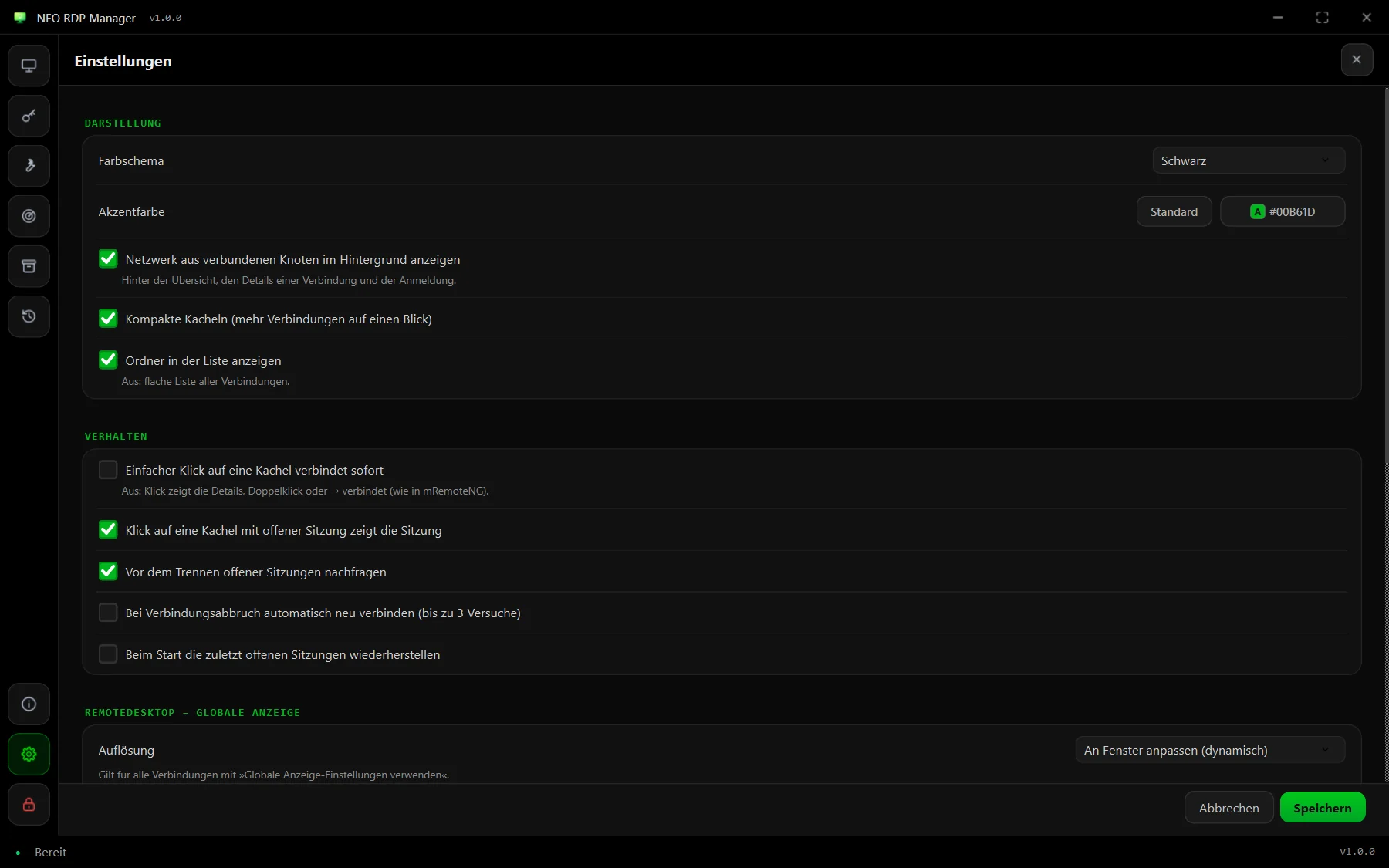
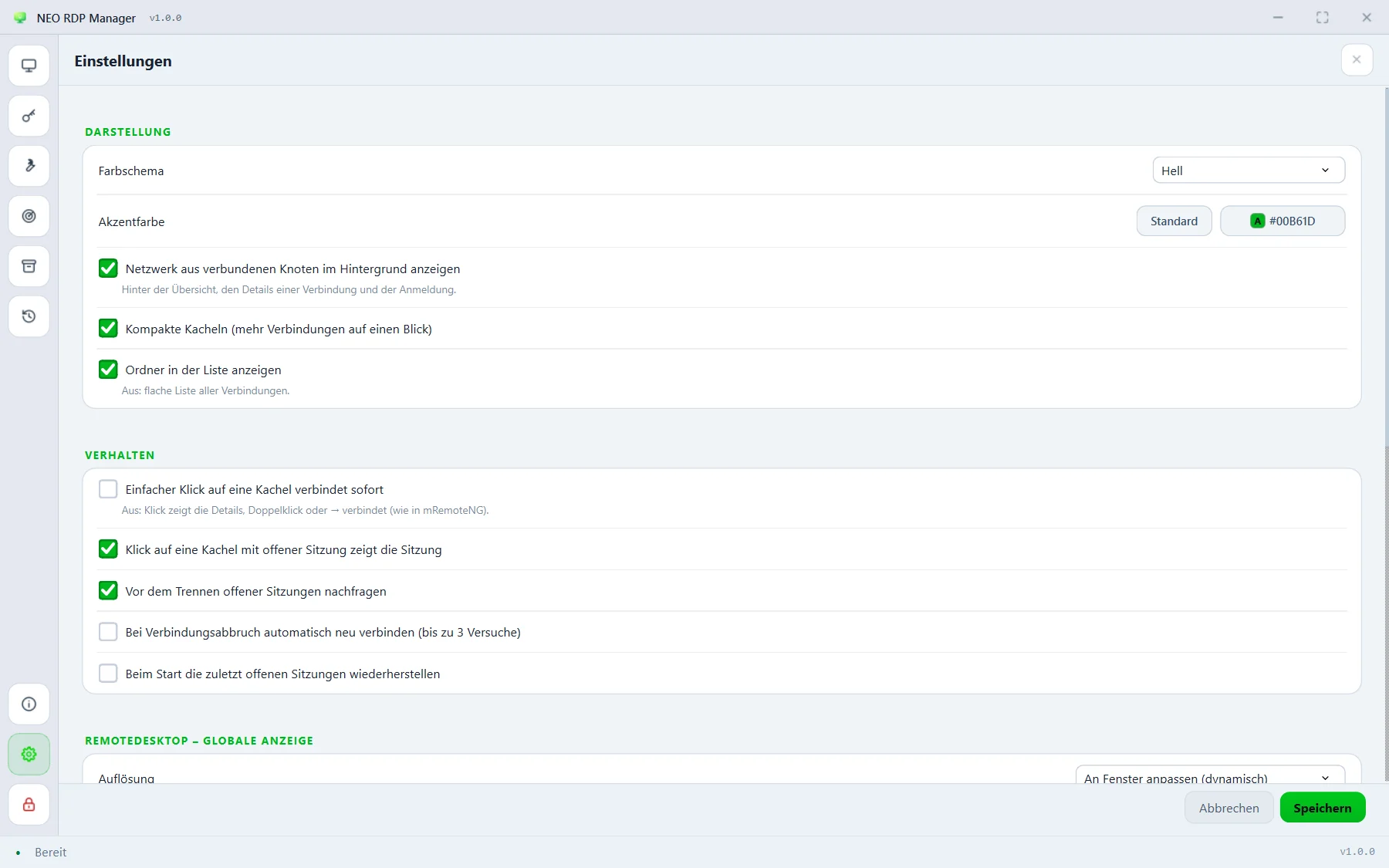
Appearance (Darstellung)
Colour scheme
Black, blue (classic), grey or light.
Default: black
Accent colour
The colour for highlights, buttons and the node network. Choose a colour of your own (with its own text colour if you like) or go back with “default”.
Show a network of linked nodes in the background
The subtle network behind the overview, a connection's details and the sign-in.
Default: on
Compact tiles
More connections at a glance; off = larger tiles.
Default: on
Show folders in the list
Off: a flat list of all connections without folder headers.
Default: on
Behaviour (Verhalten)
A single click on a tile connects right away
Off: a click shows the details, a double click or → connects – as in mRemoteNG.
Default: off
Clicking a tile with an open session shows the session
Jumps straight into the running session instead of the details.
Default: on
Ask before disconnecting open sessions
Protects against closing by accident – also when quitting the app.
Default: on
Reconnect automatically after a connection drop
Up to three attempts when a session ends unexpectedly.
Default: off
Restore the last open sessions on start
After unlocking, reopens every session that was open when you quit.
Default: off
Remote desktop – global display
Resolution
Applies to every RDP connection with “use global display settings” ticked: fit to window (dynamic), fixed resolution scaled, fixed resolution, full screen or all monitors. Details under RDP sessions.
Default: fit to window (dynamic)
Fixed resolution
Width × height for the fixed modes, from 640 × 480 up to 7680 × 4320.
Default: 1920 × 1080
Launch method
Without security warning (recommended) starts mstsc directly with the host and hands over the options briefly through Default.rdp. Classic via .rdp file uses a temporary .rdp file – Windows then shows its warning on every start. See RDP without a security warning.
Default: without security warning
Security (Sicherheit)
Lock automatically after inactivity
Locks the window together with its sessions after the set time without input; the sessions keep running in the background. 0 = off.
Default: 15 minutes
Change master password …
Set a new master password; the stored data stays usable right away. See vault.
Reachability (Erreichbarkeit)
Check reachability in the background
Shows on every tile whether the port answers. Only the TCP port is checked; no login is attempted.
Default: on
Check interval
Time between two checks, 10 to 3600 seconds.
Default: 30 seconds
External programs
PuTTY (for Rlogin)
Path to putty.exe. Leave it empty and the app looks for PuTTY by itself.